
ATS Resume: How to Beat Applicant Tracking Systems in 2026
Most resumes are read first by software. Here is how seven of the major systems actually parse your file, and what that means for the way you write it.
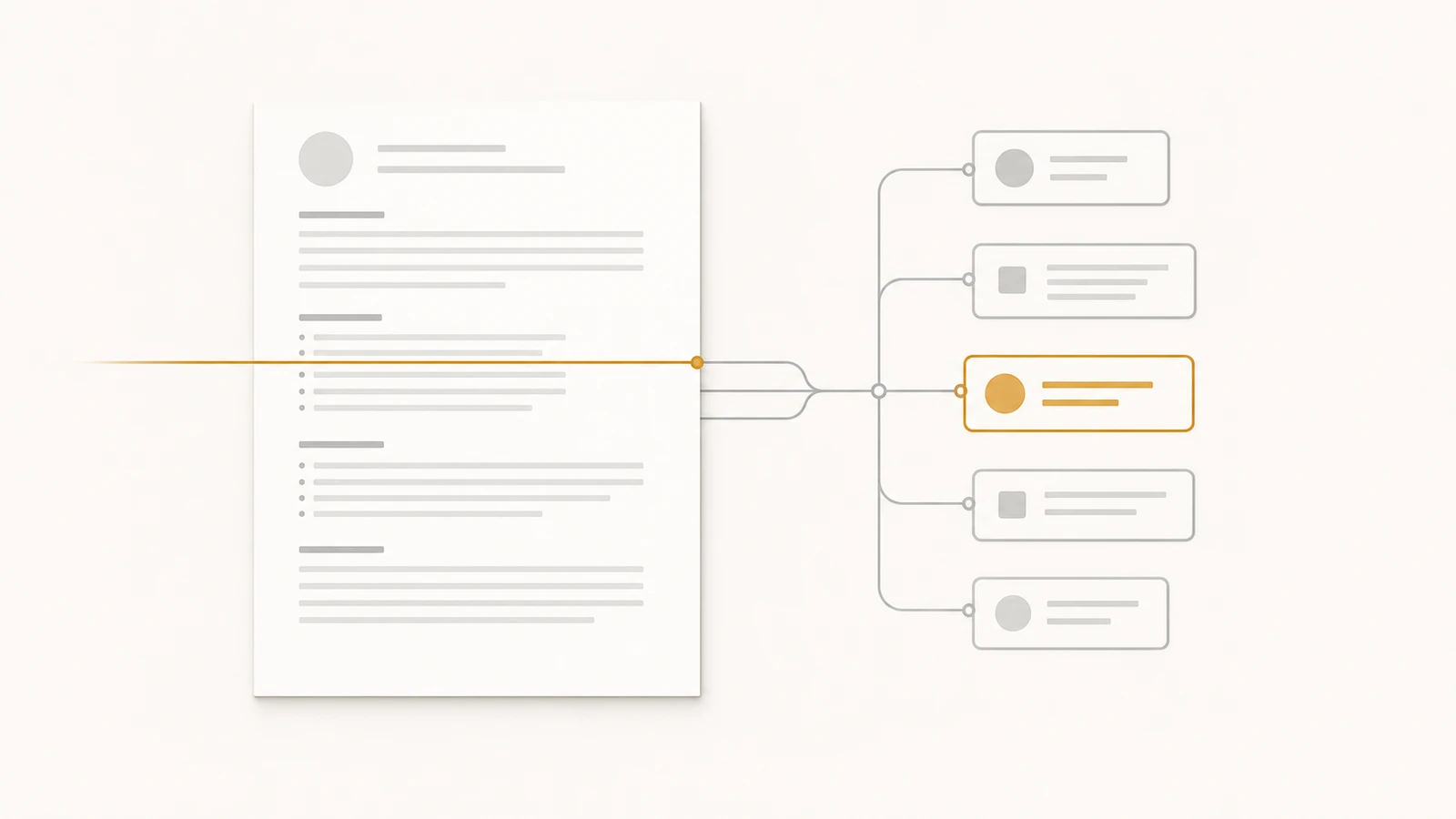
Most resumes are read first by software. The system opens your file, pulls fields out of it (name, contact, role titles, employer names, dates, education, skills), compares those fields against the job description, and produces a score. Score high enough and a human reads you. Score low enough and the file is filed without anyone looking.
The trouble is that the software is not one product. The hiring market runs on roughly seven systems at scale: Greenhouse, Workday, Lever, iCIMS, SmartRecruiters, Oracle Taleo, and Jobvite. They were built by different companies in different decades for different buyers, and they parse the same PDF differently. Advice that survives one of them can be the advice that costs you the next.
This post is the tour. What each system does with your file, where it stumbles, and the one or two changes that meaningfully help. After the tour are the universal rules: formatting and language that make a resume legible to all seven without the layout dying inside any one.
How the parser actually reads your file
Every one of these systems does the same three jobs in the same order, and the order matters because it determines where your resume can fail.
Step one is text extraction. The system opens your PDF and pulls the textual content out of it, preserving as much structure as it can. This is the step that fails when your resume contains text inside an image, when a sidebar is rendered in a way the parser reads as a table cell, or when the PDF was exported by a design tool that flattens characters into vector glyphs. If extraction fails, nothing downstream sees a single word you wrote.
Step two is field mapping. The extracted text gets sliced into fields according to a schema the system already has. "Name," "email," "phone," "summary," "experience," "education," "skills" are nearly universal. Some platforms also map "projects," "publications," "certifications," "languages." The parser uses heading text and positional cues to decide where one field ends and the next begins. Standard heading words parse cleanly. A heading that reads "My Journey" parses as the start of a free-text section the parser does not know what to do with, and everything inside it becomes unmapped text.
Step three is scoring. Once the file is broken into fields, the system compares those fields to the job description. Older platforms use literal keyword matching: "Python" in the JD, "Python" in your skills, one match. Newer platforms layer on title taxonomy and synonym tables, and the largest employers run an LLM pass on top to summarize and rate the candidate before a human sees the file. The score plus the recruiter's filters decides whether your file enters the queue or stays out of it.
Anything that breaks step one is fatal. Anything that breaks step two reads as a candidate without education or without recent experience, depending on which heading the parser missed. Anything that breaks step three is correctable: rewrite to mirror the language of the job description, and the score climbs.
A tour of the seven systems most likely to read you
Different industries lean on different systems. Tech and modern startups run on Greenhouse and Lever; the Fortune 500 runs on Workday and Taleo; healthcare, retail, and large legacy employers run on iCIMS; mid-market global enterprises run on SmartRecruiters and Jobvite. You usually do not get to choose which one reads you. You can write the file so that all seven read you in roughly the same way.
Greenhouse
Greenhouse is the default among venture-backed tech companies. Its public customer list includes Airbnb, Stripe, HubSpot, Pinterest, and a wide swath of mid-stage SaaS. The parser is one of the more permissive in the category: single-column PDFs with standard section headings come out clean, dates land in the right field, role titles end up under the right employer.
The thing Greenhouse does that the older platforms do not is push most of the screening logic onto the recruiter. Their "scorecard" feature lets the hiring team define attributes per role and rate candidates against those attributes after a human review. The parser does not need to be the final word. A resume that reads cleanly and includes the right nouns gets through to a human relatively often.
What trips Greenhouse is the layout it cannot read at a glance. Two-column resumes with a coloured sidebar are the most common failure: skills and contact information land in the wrong fields, and the system silently drops the rest. Tables for skills grids cause the same problem.
The tweak that helps is geometric. Keep the file single-column and put your contact information on the top line in the order Greenhouse expects (name, then email, phone, location, one URL on the next line). The platform is forgiving about heading words. It is unforgiving about geometry.
Workday
Workday is the system most candidates have already cursed. It runs the back office at a large share of the Fortune 500: big banks, health systems, defense contractors, much of the public sector. The candidate experience is uniquely painful because Workday parses your resume into form fields and then asks you to verify or re-type each one, which means a parser miss costs you twenty minutes on a tedious form rather than an invisible failure.
The parser itself is conservative. It does well with standard fonts (Arial, Calibri, Times New Roman, Helvetica), MM/YYYY date formats, and plain hyphens. It does poorly with Unicode bullet glyphs that are not standard round dots, with section headings that include accented characters or emojis, and with date ranges that use typographically correct dashes. A date written as "Aug 2022 — Present" will sometimes land as a single string Workday does not recognize as a range; "Aug 2022 - Present" with a hyphen lands cleanly.
A second Workday quirk is that many configurations let candidates upload a resume OR fill in the form OR both. Recruiters at Workday-using employers consistently report reading the form, not the file. Pasting your resume content into the Workday form fields, even when it feels redundant, tends to outperform uploading the PDF and trusting the parser.
Tweaks that help: hyphens, not typographic dashes, in date ranges. Stick to ASCII characters in your section headings. If the form lets you fill it in, fill it in; the parsed file is a backup, not the primary read.
Lever
Lever sits where Greenhouse sits, slightly downstream: Series A through Series C tech companies, design studios, growth-stage startups. The parser is decent. Where it differs from Greenhouse is the philosophy. Lever leans on tags rather than scores: recruiters tag candidates with attributes ("Python," "fintech," "former founder") and search those tags later. Your resume gets parsed and turned into searchable text; the human review applies the tags.
That changes what matters. The parser does not have to score you correctly because it is not the screen. The recruiter has to be able to find you with a tag search a week from now. The words you use literally matter more than the structural cleanliness of your file: a resume that uses "Python" once where the JD uses it five times will still surface in a search for "Python."
What trips Lever is unconventional ordering inside a role block. The platform expects, for each role, a recognizable pattern: company name, role title, dates, location, and bullets. Out-of-order placements ("Senior Engineer, 2022 to 2024, Stripe") sometimes parse as the role title being the company name. The fix is the conventional ordering most resumes already use.
The tweak that helps is consistency: put the company name on the same line as the role title, in the same order across every role on the page. Lever does not punish you for unusual heading words ("Selected Projects" tends to parse), but it punishes you for inconsistent role headers.
iCIMS
iCIMS owns the segments most candidates underestimate: large retailers, hospital systems, hospitality giants, and a long tail of mid-to-large companies that bought their HR software in the 2010s and have not switched. The parser is older than Greenhouse and Lever, and it acts older. It strips formatting more aggressively, and many iCIMS configurations have historically been more reliable parsing .docx than PDF.
iCIMS also leans on a different scoring layer than the modern platforms. Many configurations use rule-based keyword filters set up by the recruiter: required terms, preferred terms, disqualifying terms. A resume that is missing a required term gets bucketed into "does not meet minimum qualifications" without further review. The pattern people who hire on iCIMS agree on is that the required-qualifications block in the JD is unusually load-bearing. Read it carefully and reflect every required term in your resume content where you honestly can.
Tweaks that help: when an iCIMS-powered application allows .docx uploads, send .docx. When it accepts only PDF, keep the file as plain as you can: no tables, no headers or footers, no decorative bullets, body fonts the parser already recognizes. iCIMS-driven employers actually use the required-qualifications terms as filters in a way Greenhouse-driven employers usually do not.
SmartRecruiters
SmartRecruiters serves a particular slice of the market: large global enterprises that want a more modern interface than Workday but still need enterprise-grade compliance and localization. Visa, McDonald's, Bosch, Square, large parts of European hiring. The parser is modern and reasonably permissive, in the same generation as Greenhouse and Lever.
Where SmartRecruiters does something specific is on the matching side. The platform layers an AI-assisted ranking model on top of the parsed resume, comparing the candidate to a vector representation of the JD and similar past hires. That model is more forgiving of synonyms than older keyword matchers (it understands that "K8s" and "Kubernetes" are the same thing) and less forgiving of generic resumes. A summary paragraph that the model has seen across thousands of other candidates contributes nothing to the rank.
What trips the parser tends to be visual decoration: company logos rendered as images inside the body, photo headshots in regions that expect text, decorative dividers the parser reads as section breaks. The matching layer also penalizes resumes that read as templated.
Tweaks that help: skip company logos and headshots in the body. Write a summary that contains specifics only your resume would have (a named system, a named customer, a real number). Do not rely on synonym mismatches as an excuse; the model handles those, and the practical effect is that candidates with literal language and specific evidence pull ahead.
Oracle Taleo
Taleo is the oldest system still in heavy use, and the system most resume horror stories trace back to. It dominates legacy enterprise hiring: hospitality, parts of banking, much of federal contracting, and a long tail of employers who bought it before Workday existed and have not migrated. The parser was designed for an era when resumes were Word documents with plain structure, and it shows.
Taleo strips formatting aggressively. Tables, columns, headers, footers, custom bullet glyphs, and embedded fonts all get flattened to plain text in a way that loses visual structure. Section detection is heading-driven and brittle: anything other than the canonical English-language headings ("Experience," "Education," "Skills," "Certifications") stands a fair chance of being misclassified. Date detection wants MM/YYYY or "Month Year" formats; ranges separated by typographic dashes are sometimes read as single tokens.
The Taleo experience also frequently includes the form-fill step, similar to Workday but cruder. Candidates upload a resume, then re-enter the same information in a form that Taleo's parser pre-populates. Parser misses become candidate work, and candidate fatigue becomes drop-off.
Tweaks that help: write the resume as if formatting did not exist. Single column, no tables, no decorative dividers, ASCII bullets (a real bullet character or a hyphen), MM/YYYY dates with hyphens between them, the canonical English headings without modifications. If you have a designed version of your resume for human readers, keep it. The version you send to a Taleo-driven employer is the stripped one.
Jobvite
Jobvite sits in the mid-market and serves a mix of tech and non-tech companies. The parser is competent without being remarkable. It does roughly what Greenhouse and Lever do and trips on roughly the same things: complex layouts, image-based content, unconventional headings.
The thing that Jobvite has been more aggressive about than its peers is referral routing. Many Jobvite-using employers route applications differently when the candidate enters through an employee referral link, which means the parser score matters less when you have a referral and more when you do not. That is less a parser quirk than a hiring-system quirk worth knowing about.
Where Jobvite-specific advice does apply is the file format. The pattern people who have submitted into Jobvite agree on is that PDFs exported from Apple's Pages have caused issues more often than PDFs exported from Word, Google Docs, or a builder; the embedded font tables and PDF metadata Pages produces sometimes confuse the parser into reading sections in the wrong order.
Tweaks that help: export the resume from Word, Google Docs, or a builder, not from Pages. If you have a referral, use it, because the parser is doing less of the work in that path.
The formatting rules that survive every parser
Across all seven systems, the same handful of formatting choices push the success rate up. None of them are exotic. All of them are the boring version of the design choice you might otherwise make.
- Single column, top to bottom. Anything resembling a sidebar, a two-column layout, or a side-by-side skills grid risks being read as a table by at least one parser in the seven.
- Standard section headings in plain English. "Experience," "Education," "Skills," "Projects," "Certifications." Not "My Journey." Not "Where I've Been." Not iconography in place of words.
- Standard fonts only. Arial, Calibri, Helvetica, Inter, Source Sans, Times New Roman. Avoid anything that requires a font download to render.
- ASCII characters where you have a choice. A real bullet character or a hyphen is safer than a Unicode glyph the parser may not recognize. MM/YYYY dates with hyphens between them are safer than the typographically correct version with an en or em dash.
- No tables, no text boxes, no headers or footers. Put your contact information in the body of the document, not in a header that the parser may treat as page metadata.
- No images of text. Logos, photo headshots, infographics, charts. Whatever you intended a recruiter to see in that image, the parser sees nothing.
- One resume file per application, exported from a word processor or a builder, not from a design tool that flattens text to outlines. The PDF should have selectable text. If you cannot select and copy a sentence from your own file, neither can the parser.
The cost of these rules is mostly aesthetic. The benefit is that the same file reads cleanly in Greenhouse, Workday, Lever, iCIMS, SmartRecruiters, Taleo, and Jobvite without separate versions. Once the format is solved, the work is the content.
Mirror the job description, do not pad it
The other half of the score is the language. Every modern parser, and every LLM-augmented screen on top of it, is comparing your resume to the words in the job description. Your job is to make that comparison cleanly without making the file read as a job description paraphrased back at itself.
Read the JD twice before you write a single bullet. Highlight the nouns and verbs that appear three or more times, and the named systems, frameworks, and titles that appear at all. Those are the words that will be checked. Use them in your resume where they fit your actual work, in the literal form the JD uses them. If the JD says "managed," use "managed," not "led." If the JD says "stakeholders," do not switch to "partners" because it sounds nicer.
That is mirroring. The trap is the version one step further: dropping a paragraph of keywords at the bottom of the page in white-on-white text, or a "Skills" section with thirty terms whose evidence is nowhere on the rest of the page. LLM-augmented screens flag both, and the rank penalty is now larger than the penalty for missing a keyword. The screen sees a resume where the words appear without the substance behind them, and it discounts the file accordingly.
The principle is the same as for the human reader. A resume is more credible when the words in it are tied to specific facts (a named system, a named outcome, a real number). The parser cannot tell credibility from coincidence. The LLM on top of the parser increasingly can. Write to be credible to both.
One source of truth, two readings
The reason most candidates struggle with this is that they treat the resume as an artifact rather than as an output. They keep a Word document, edit it under deadline pressure for each application, and have no canonical version of their own career to refer back to. The version they upload to Workday differs from the version they upload to Greenhouse, and the LinkedIn profile recruiters check next disagrees with both of them.
The cleaner workflow is one source of truth, rendered for the moment. A single document holds your career data. From that document you produce a paper resume built for the parser (single column, plain fonts, MM/YYYY dates, the rules above) and a public page at a URL built for the human who clicks the URL on your resume. Both renderings update from the same source. When your most recent role changes, both refresh. When a recruiter cross-checks your dates between resume and page, the dates match because they came from the same data.
This is the model ProPage is built on. The paper version is the parser-friendly export. The web version is the page the recruiter lands on after they Google your name. Neither version is the "real" one. The data underneath is real, and the renderings are how it gets seen.
When the form is the parser
A coda about Workday, Taleo, and certain iCIMS configurations specifically. These platforms often present a form that the candidate fills in by hand, with the resume upload as a backup. In those cases the form fields are the parser. The recruiter is reading the structured data they pulled out of you directly, not the file you uploaded.
If you treat the upload as the primary submission and the form as an afterthought, the recruiter sees an under-filled form and a resume they may not open. The fix is the inversion: treat the form fields as the document and fill each one as carefully as you would write a resume bullet. Paste your work history into the form's experience block. Type out your education. Take the extra fifteen minutes. The platforms that make you fill the form by hand are the platforms where the form, not the file, is what gets read.
Keep reading
For the resume craft underneath the parser-side rules (how the document itself is built before any parser sees it), see How to write a resume in 2026. Two narrower posts go deep on the language and format problems above:
- ATS keyword optimization: how to mirror a job description without the screen flagging you for padding.
- ATS-friendly resume formats: the formats that survive every parser, with concrete examples.
The deeper argument that the URL, not the file, is the artifact you are actually building lives in What is a professional identity URL.